repo hosting services
As developers, working on a project can be tedious, from implementing designs to making sure, the program is scalable and is written efficiently, which will create a product that will be available to the market as fast as possible, with code that can easily be understood by developers that may work on the projects in the future.
one problem is, where will we store all this code, and where we will be able to add changes to the original save and also make it accessible to other developers that might want to contribute to our project if it is an open source project. In this article, we will discuss three main ways to store our code.
Firstly we must discuss some terms used when using any three of these software
Commit: this is the process of saving our code in the software, the total code that is stored here is called a codebase, yes, that thing that interns should never touch, the result of your struggle and brainstorming and debugging.
Clone: this can be done using the command line on your pc it's like downloading the zipped file instead you get a complete commit history but it's not stored in your GitHub profile.
Branch: this is a place where you can experiment with new code that you want to add to the codebase, without breaking the original codebase, creating a branch is the best way to test out new features you to implement.
Fork: this is a term used by developers to describe copying the whole codebase into your local pc, if you are new to a developer team you have heard this word used before, for you to begin work as a new member of the team, you must access the code first.
Types of git hosting services
GitHub
Github is a hosting platform for version control and collaboration, it is the most popular of the repo hosting services with over a hundred million users. It is the go-to version control when working on a large project with multiple contributors located in different places around the world.
how to create a GitHub account
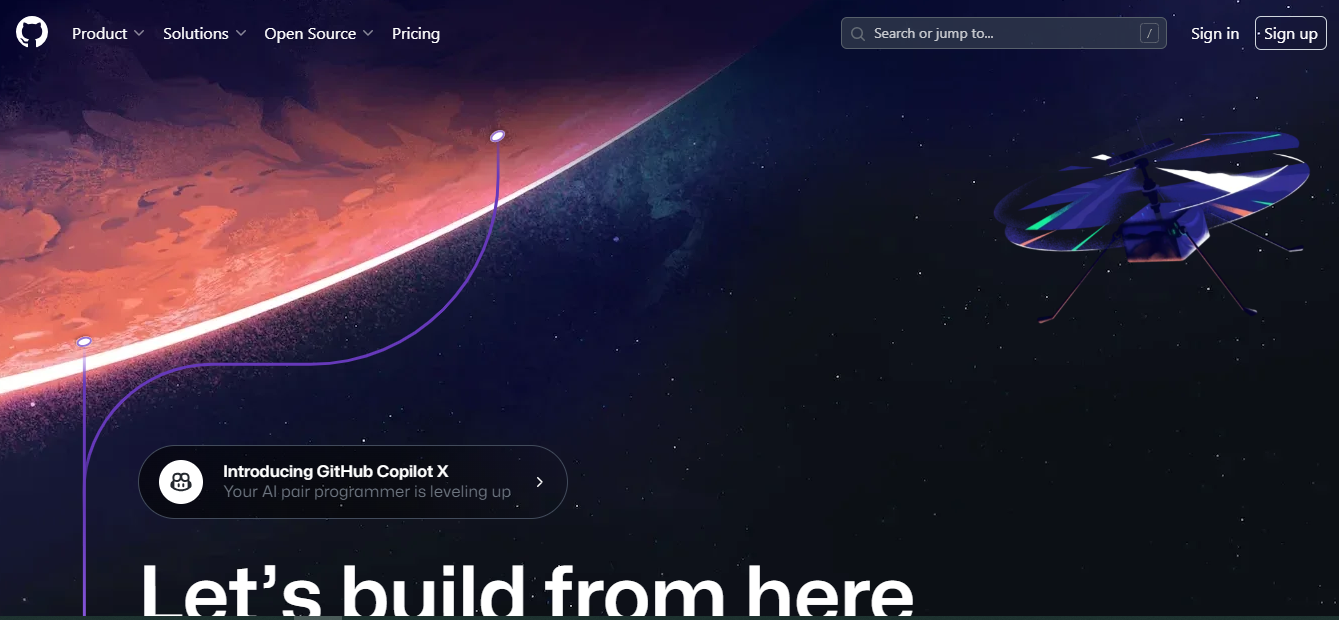
1. Go to their website and click the sign-up button
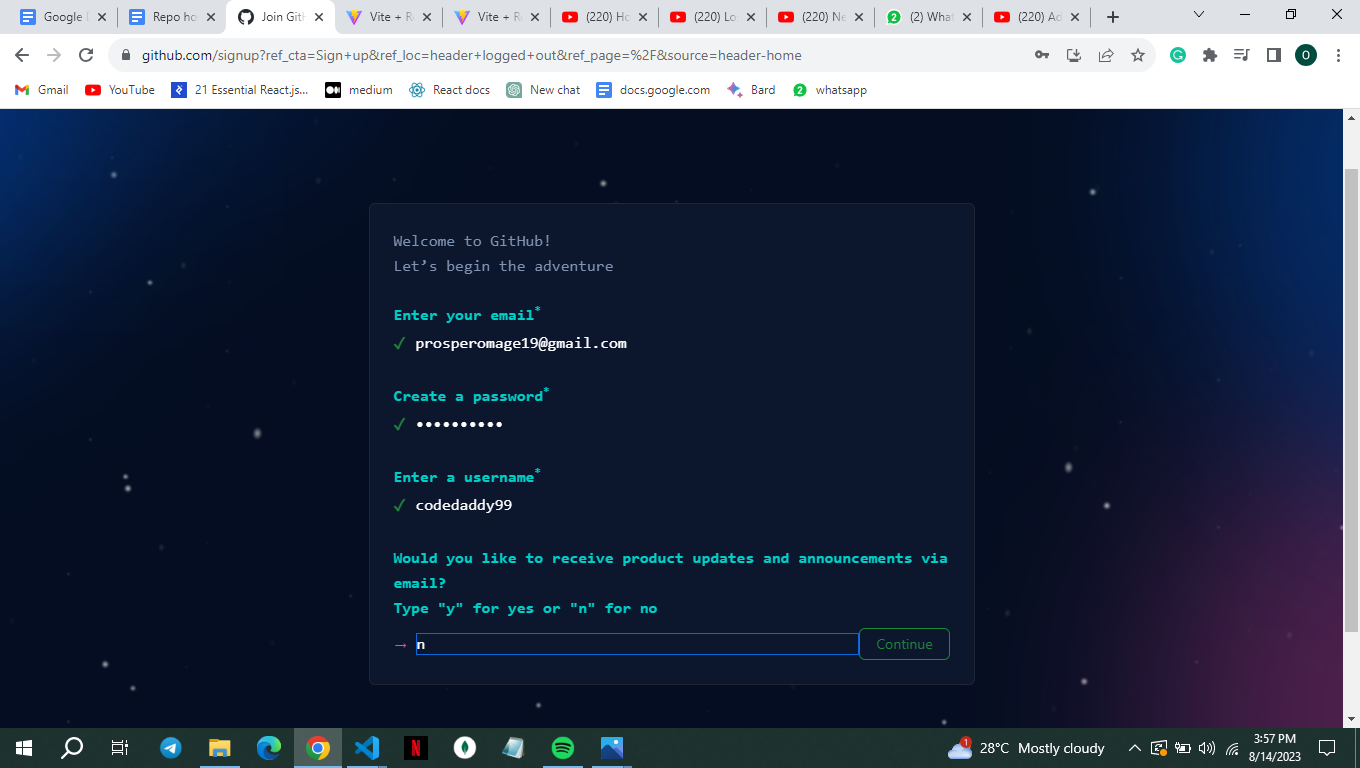
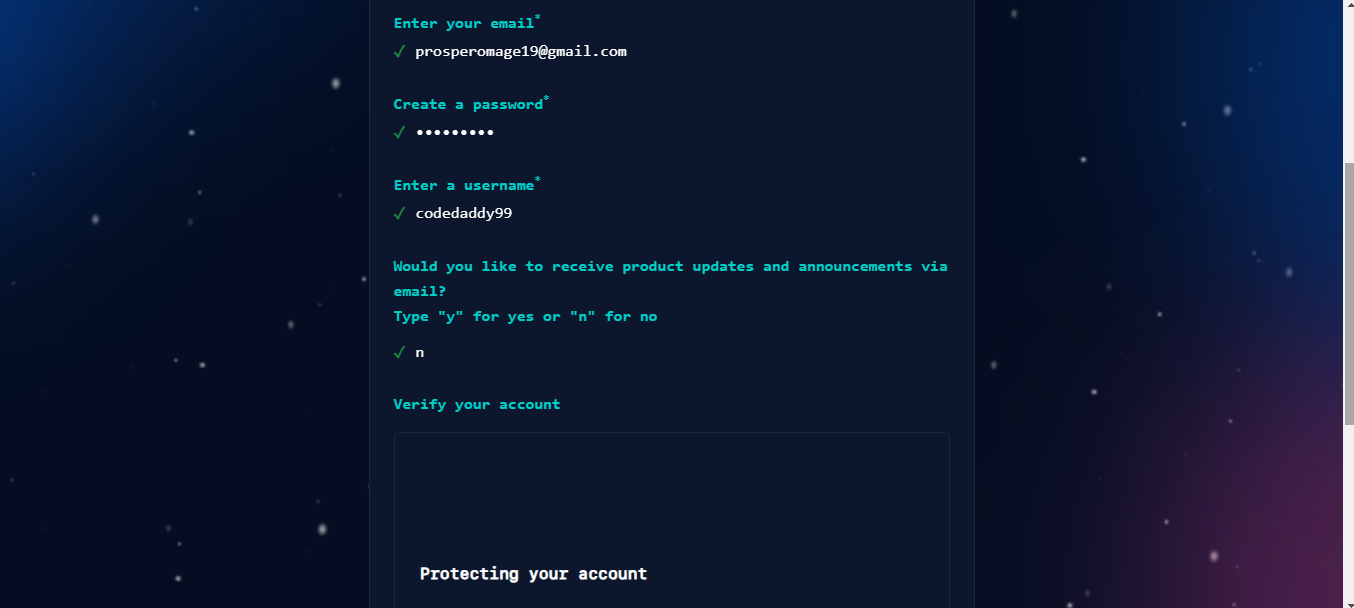
2. Enter your email and create your password and user name, Choose n to block any ads in your mail from GitHub and Solve a puzzle to prove you're not a robot
3. Input the code GitHub sends to your email
4. pick the chosen number of people you are opening the account for
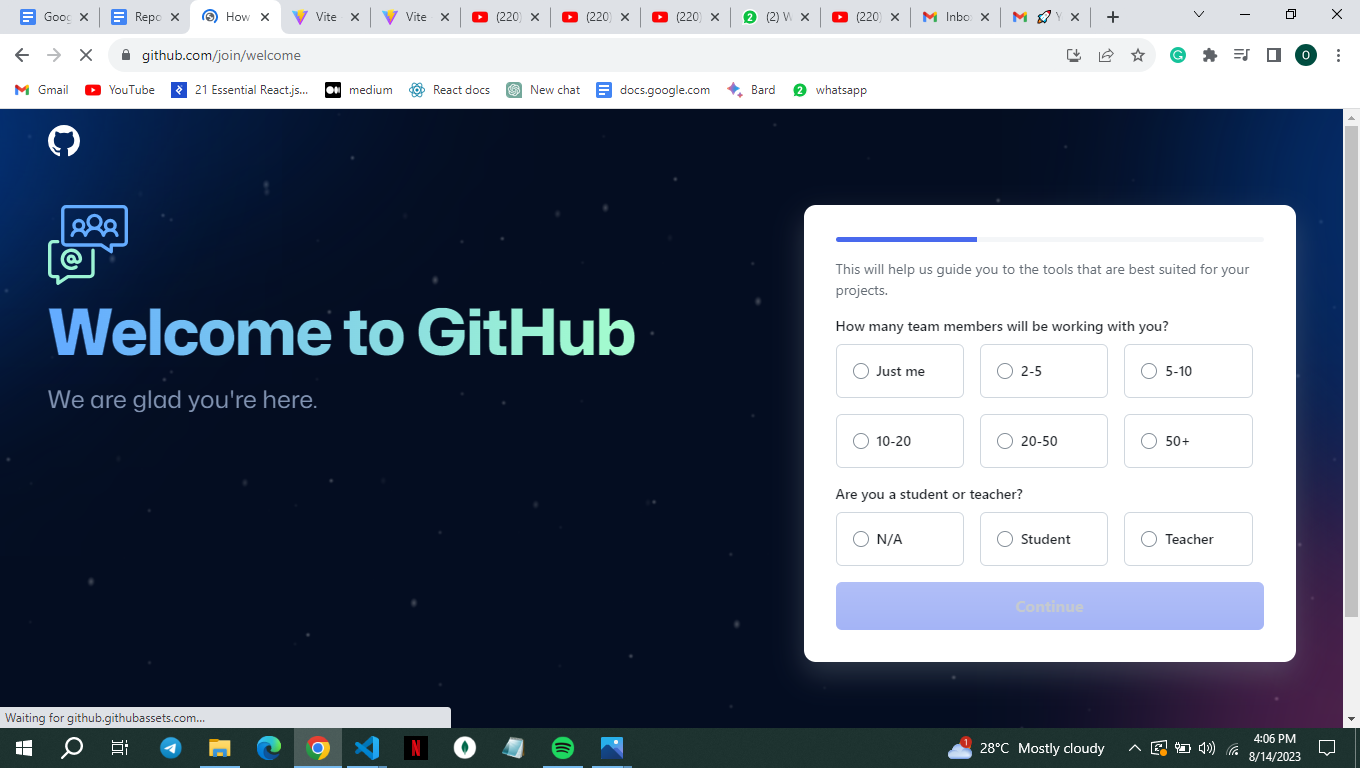
5. Pick the features you want your accounts to have access to
6. Pick between the student and teacher package
7. Select between the free and paid account
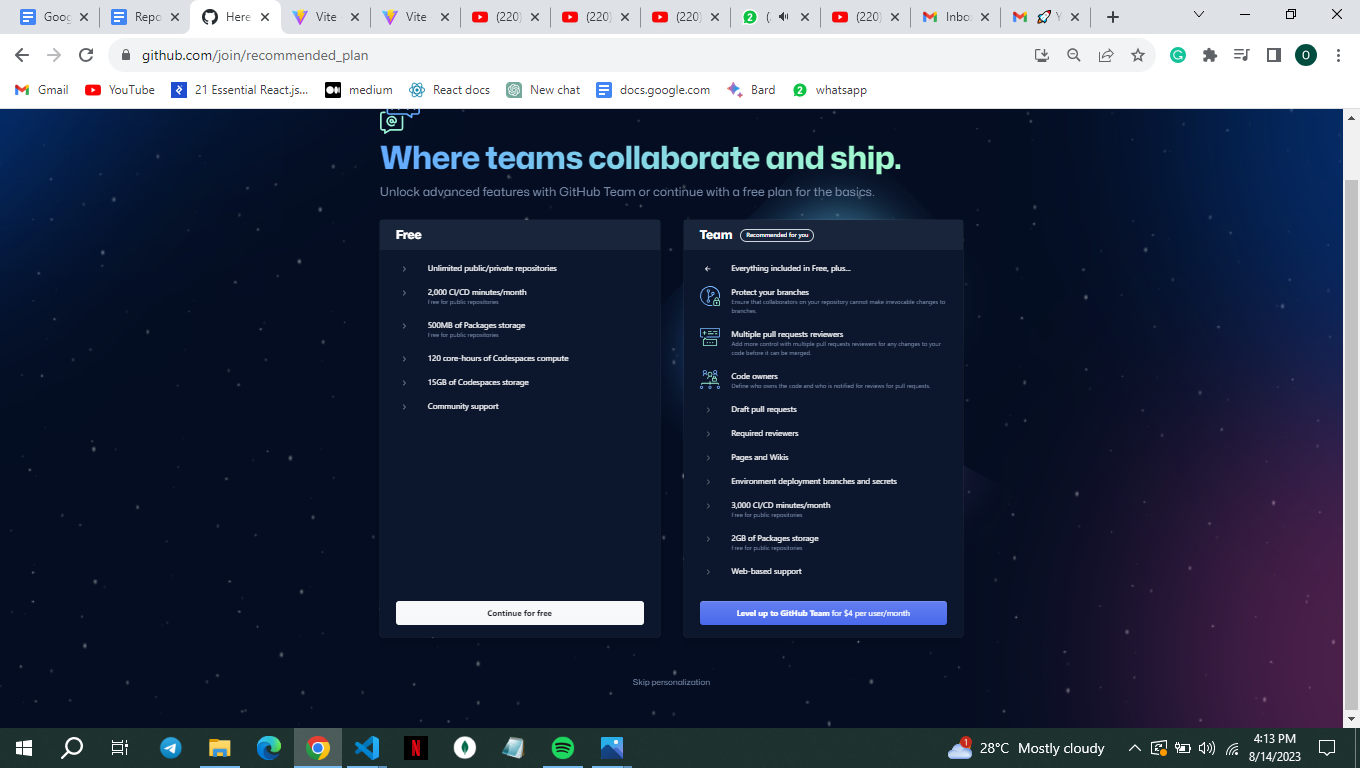
GitLab
its platform that is tailored to DevOps developers that assists companies in producing software for their customers. It was launched in 2011 and is registered under the MIT license which means that the software can be resold, copied, modified, and distributed. Gitlab is preferred when the project needs continuous integration i.e. when every commit needs to be tested for bugs and if the code runs fine.
How To create a GitLab account
Go to Gitlab.com and click on the sign-up, you can also choose to use your Google or GitHub account to open an account
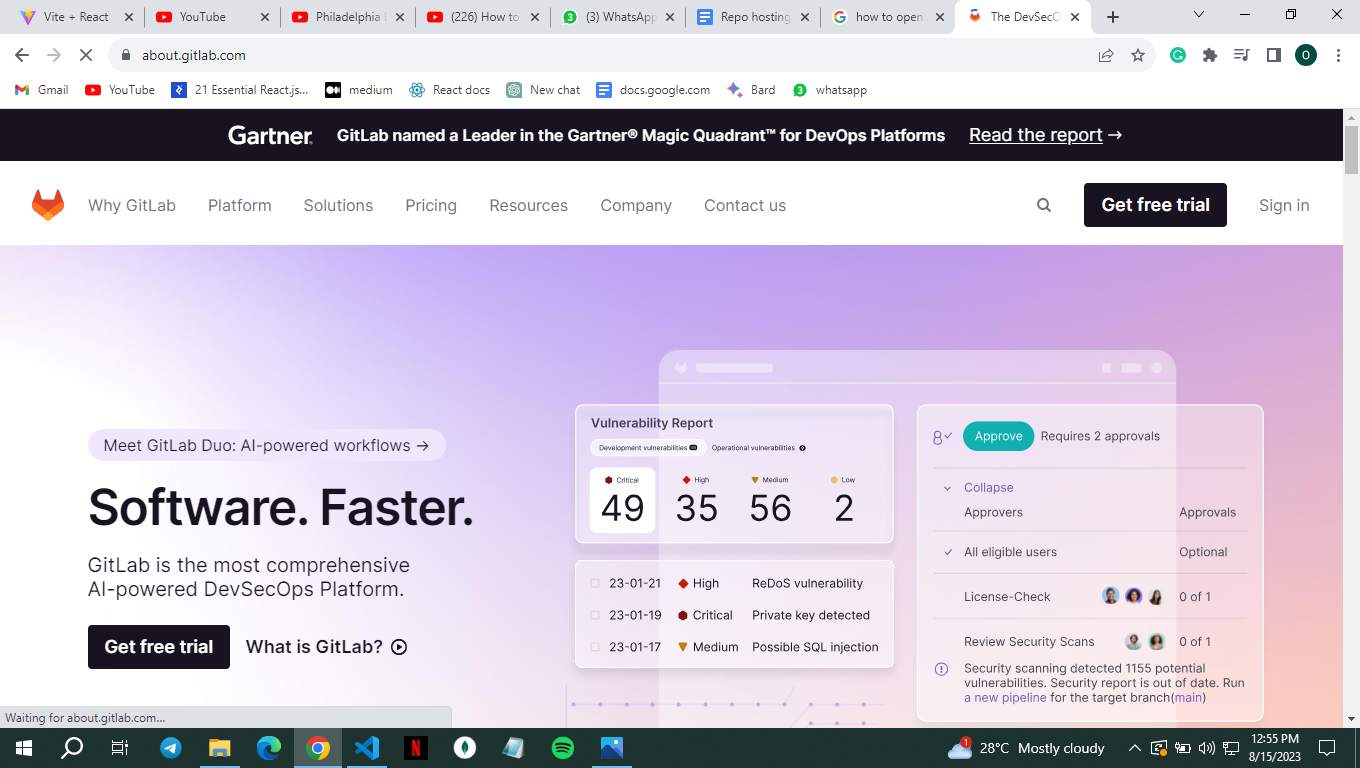
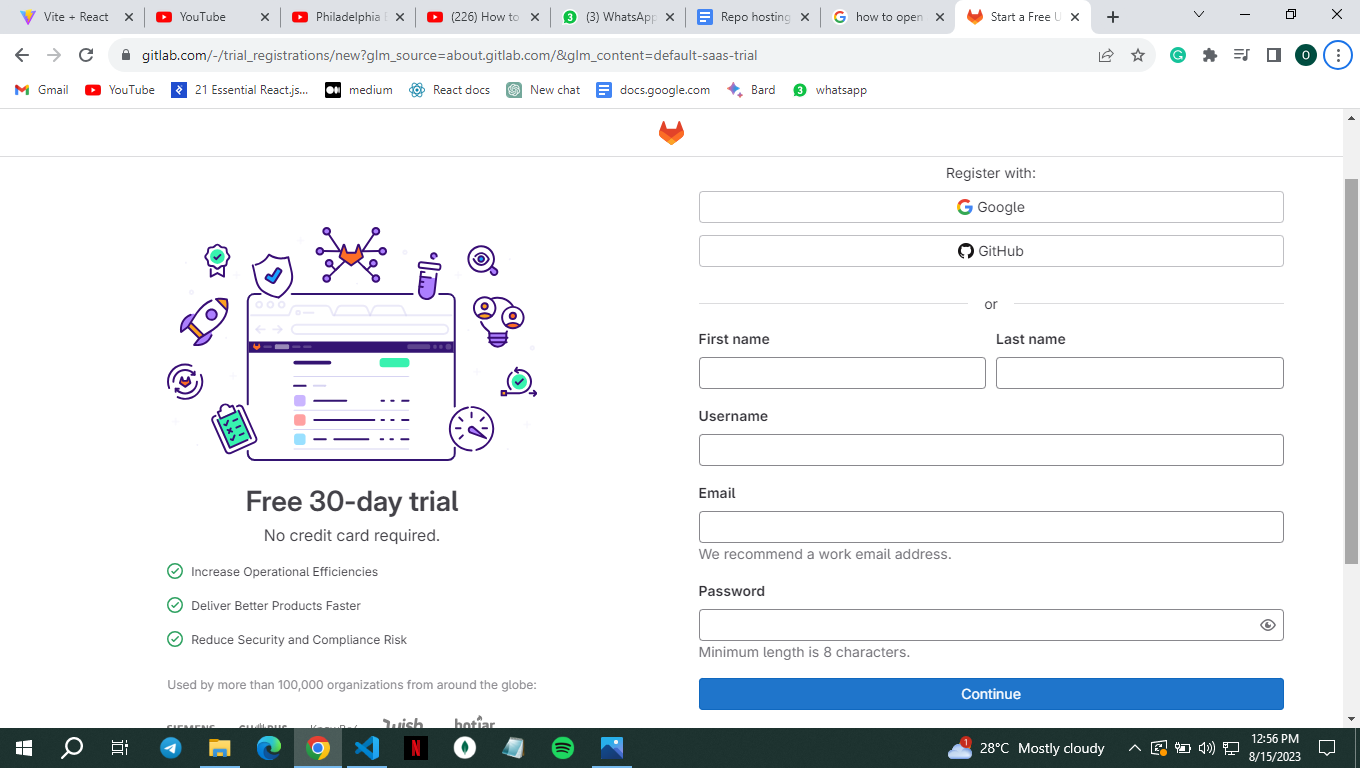
for the sake of this tutorial we will open an account the normal way
Fill in the required information and get a verification code in the e-mail you provided
Once verification is successful, you can personalize your Gitlab experience
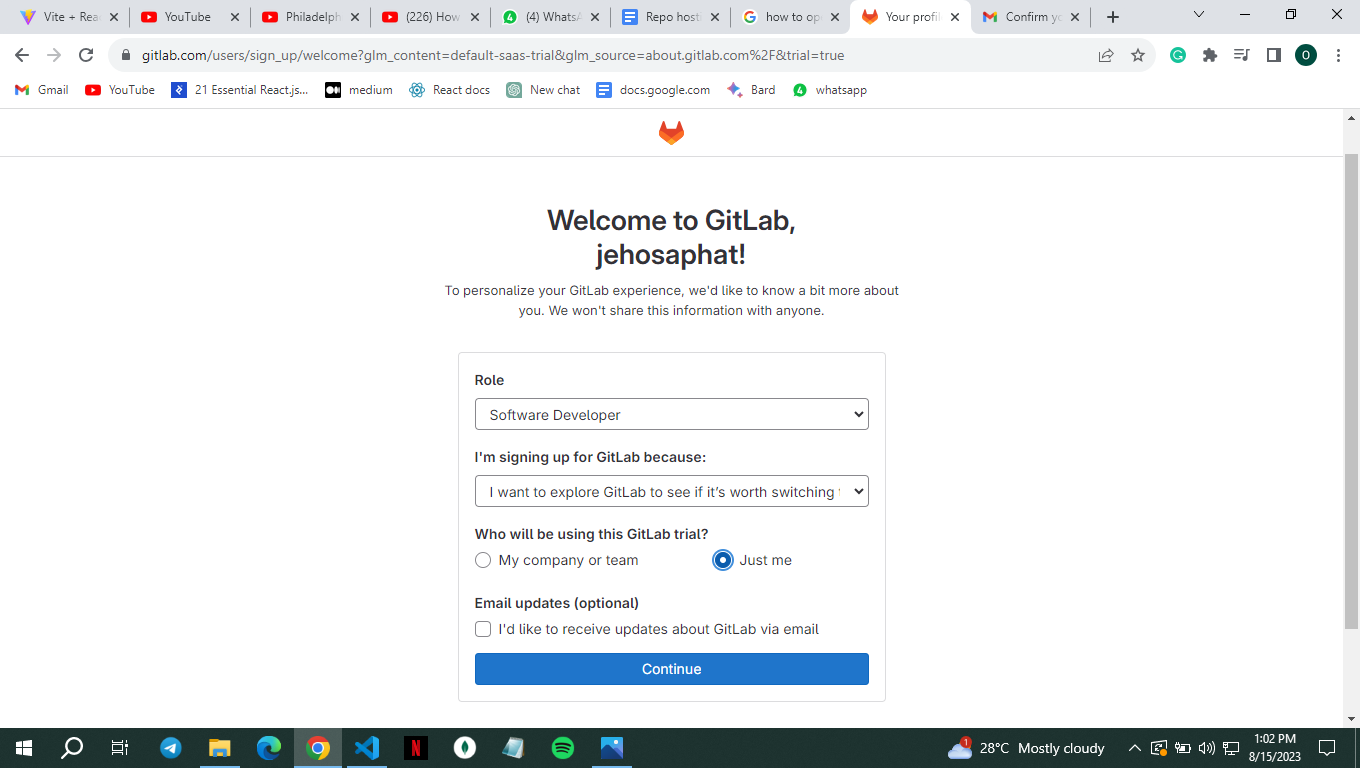
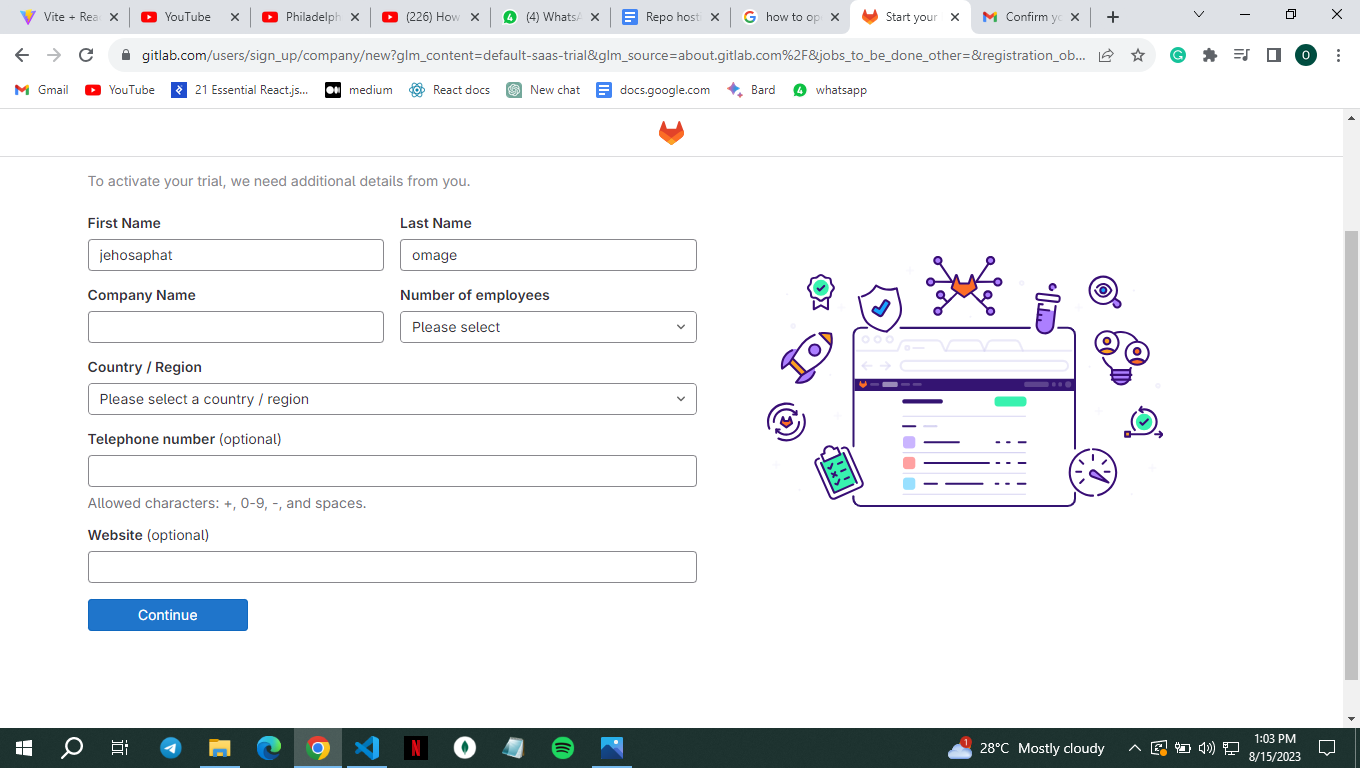
then provide your company name ( i made the company name up)
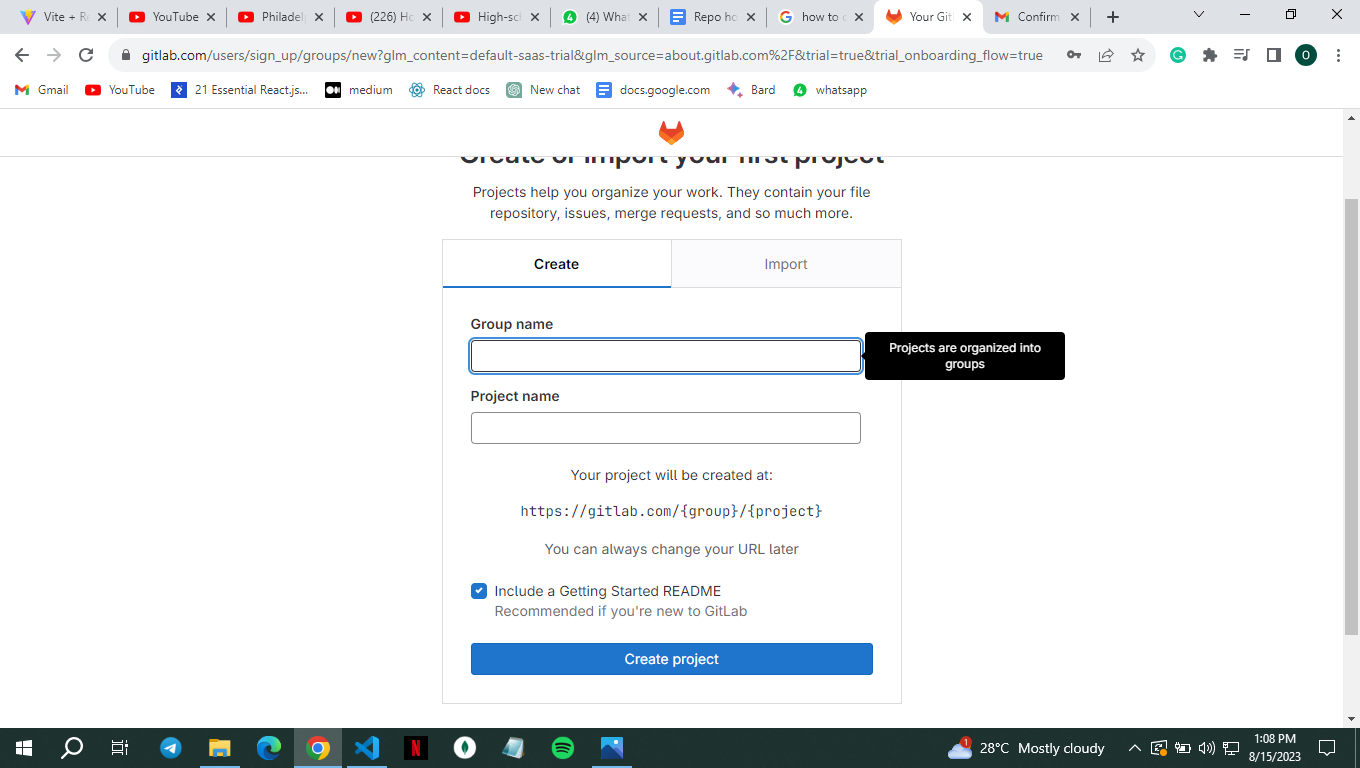
create your project and group name
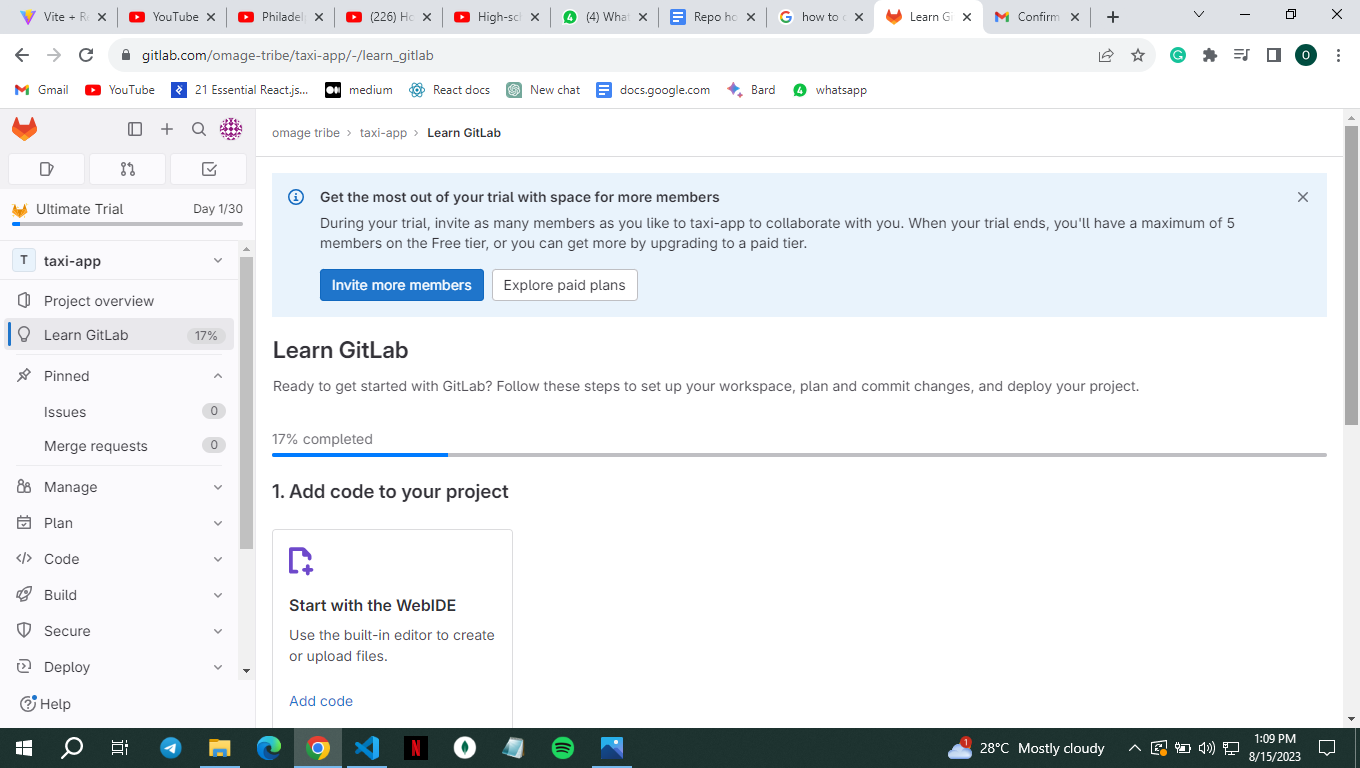
now you have access to your dashboard
Bitbucket
Is a git-hosting and collaborating tool used by software teams to collaborate and store their source code, it is usable for projects of all sizes and has built-in CI/CD tools. It is free for up to five users.
How to open a Bitbucket account
Go to their website https://bitbucket.org/
Click on the login button on the right side of the navbar
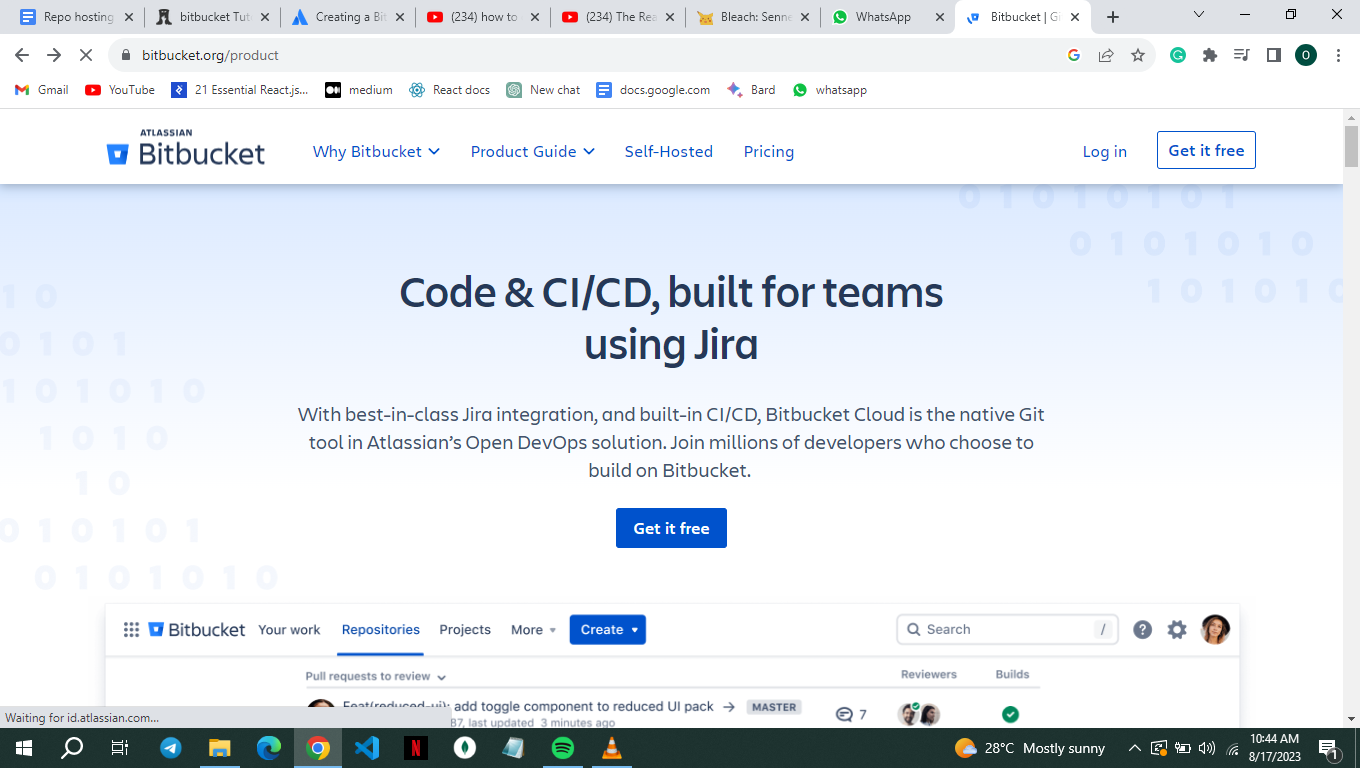
Click on login with your Google account as this is easier
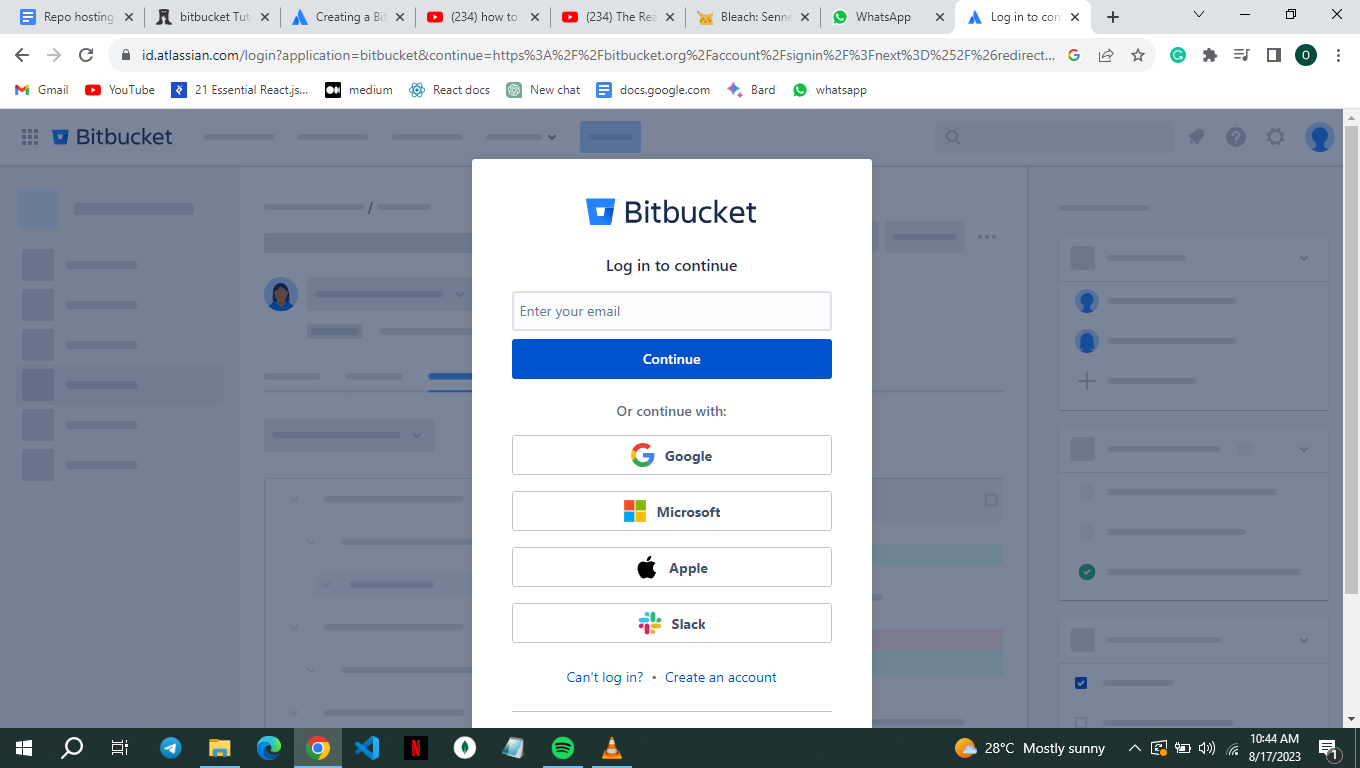
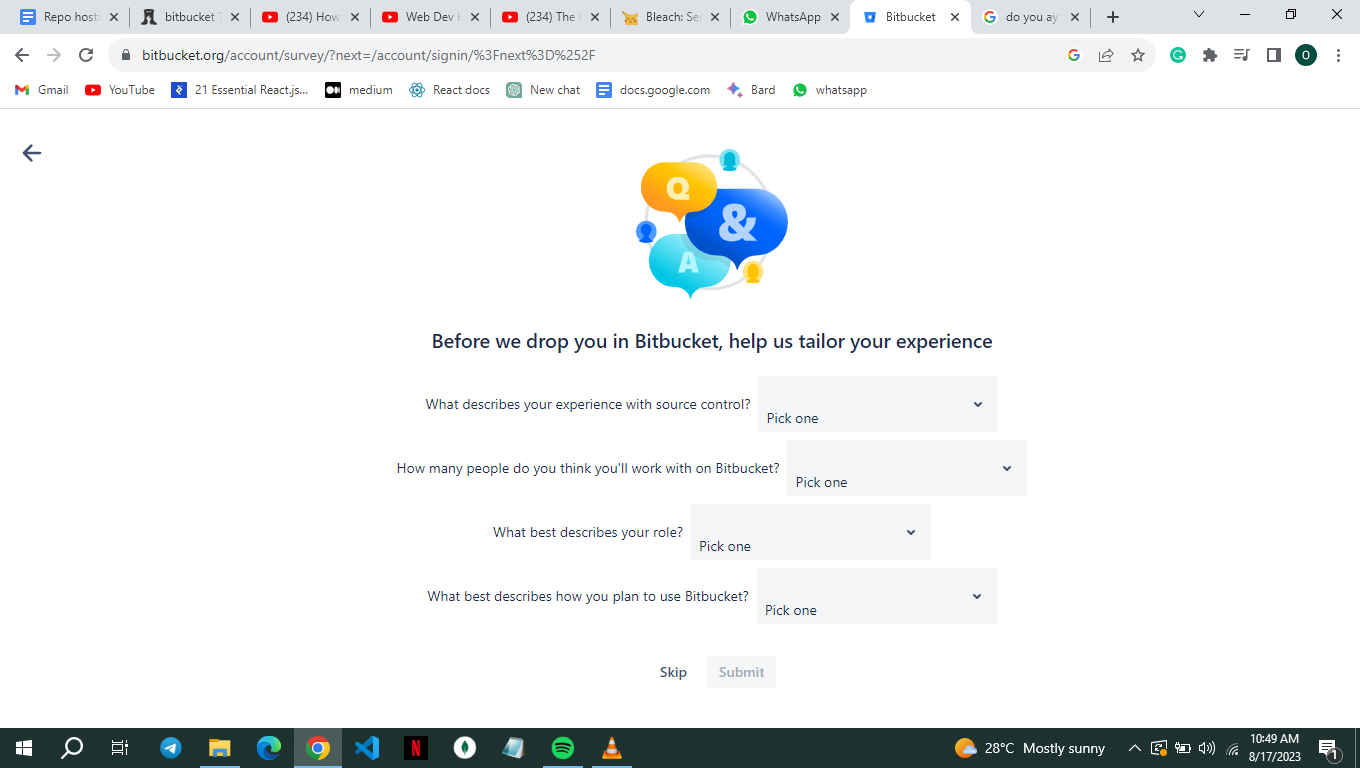
then fill in the required information
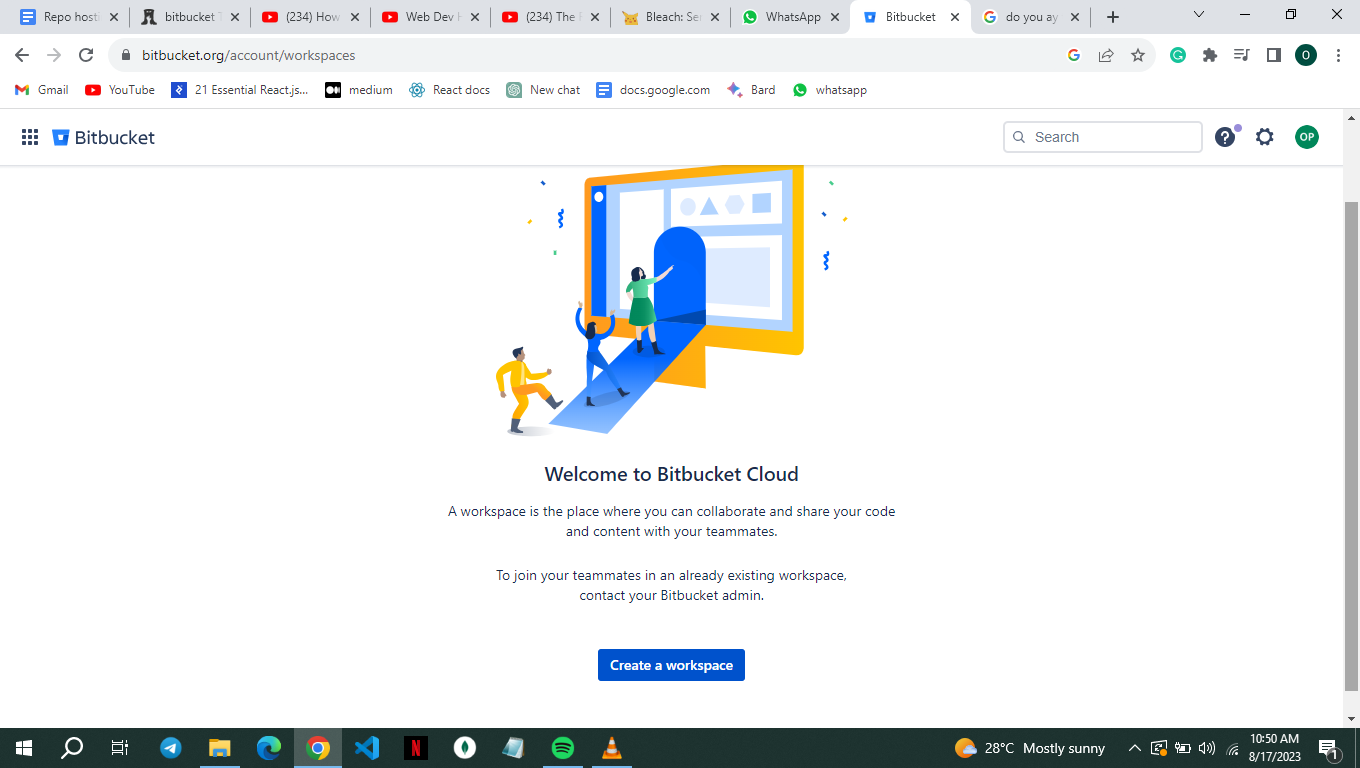
then you can create your workspace
credits
written by Omage Jehosaphat Prosper
you can connect with Omage Jehosaphat on LinkedIn and Twitter

